Redshift Auto Copy and CDC Integration
Automates S3-to-Redshift file loading, but CDC pipelines need more downstream work.
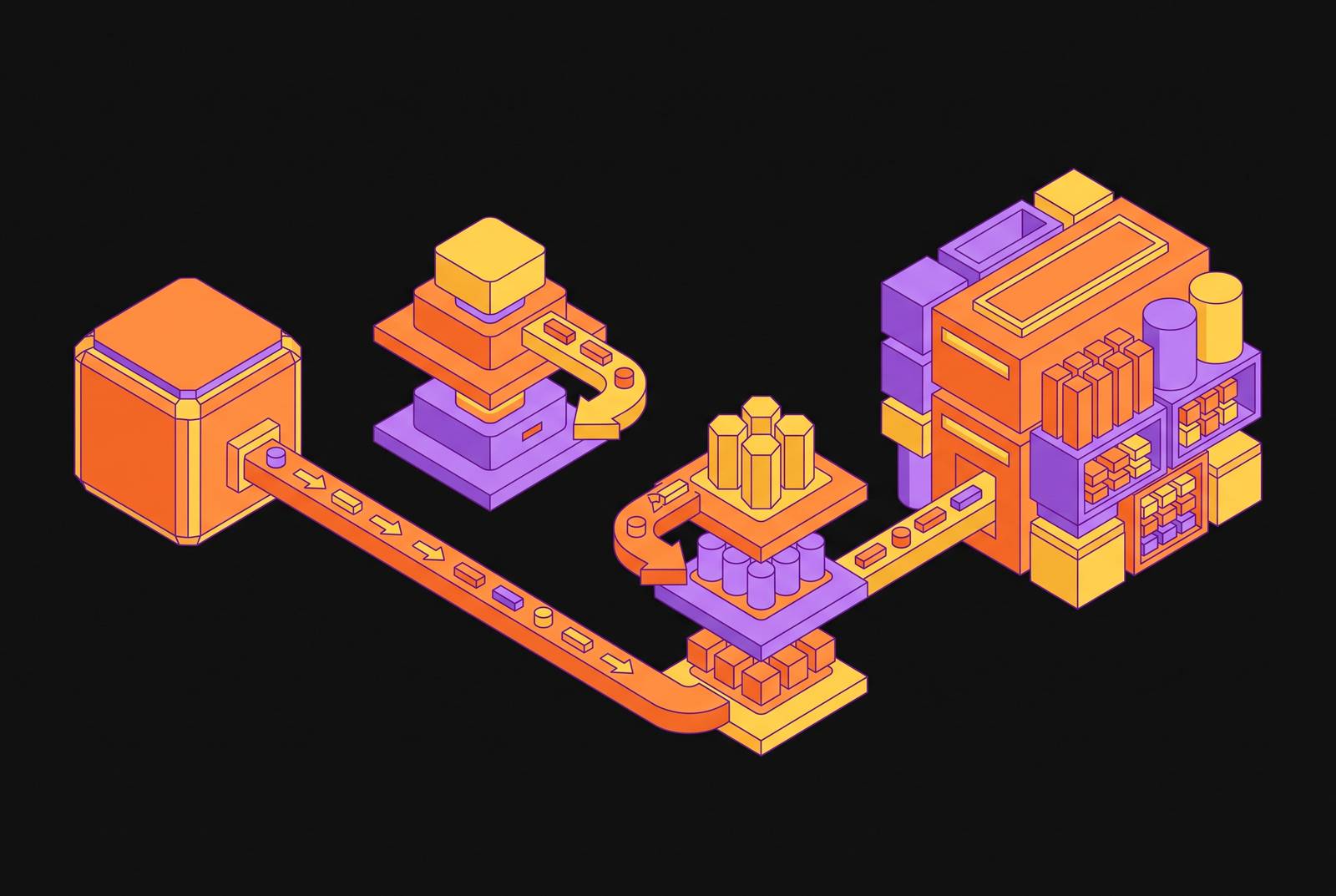
Auto Copy watches a specified S3 prefix, and when a new file lands there, it loads that file into a Redshift table automatically, with no additional tools and no custom COPY command written by hand. Amazon Redshift announced the general availability of Auto Copy in October 2024, with a mechanism simple to state: continuous monitoring of an S3 prefix and automatic loading of new files, with no scripting required for the file-detection step.
Auto Copy also tracks which files it has already loaded and skips them on later runs. That deduplication happens at the file level. If a file gets reprocessed with different contents under the same name, or if a CDC writer produces overlapping rows across two files, Auto Copy has no visibility into that. It knows files, not records.
By March 2026, AWS extended this further, announcing general availability of concurrency scaling support for Auto Copy and zero-ETL on Redshift Serverless and RA3 Provisioned warehouses, which adds compute capacity automatically during peak load. Zero-ETL is a related but separate capability: it handles near-real-time replication straight from operational and transactional databases, while Auto Copy handles only the S3 side of the equation. The two solve different problems and work well together, but neither substitutes for the other.
Auto Copy is an S3-to-Redshift ingestion feature, not a change data capture system, and that boundary matters for everything else in this piece. Its job starts the moment a file appears in an S3 bucket. Nothing about Auto Copy reaches back into a source database, reads a transaction log, or captures an update or a delete at the row level. It has no visibility into how that file got there, what wrote it, or whether the data inside it is fresh or three hours stale, a gap that is not a flaw but simply outside its scope. That gap sits outside the feature's scope, and understanding where that scope ends is the first step toward building a pipeline that actually works.
Why the S3 landing zone exists in CDC-to-Redshift pipelines
S3 appears in nearly every CDC-to-Redshift architecture because it functions as the structural intermediary, not because teams choose it out of habit. AWS DMS, the most common AWS-native path for this kind of replication, reads changes off the source database, writes the net changes out as CSV files in S3, and then copies those files into Redshift, exactly as AWS documents it. That S3 hop is baked into how DMS was designed to talk to Redshift.
Third-party tools converge on the same shape. Integrate.io uses COPY from S3 to sync data into Redshift. Etlworks stages CDC events to S3 before loading them. BryteFlow can route CDC output through S3 on its way to Redshift, though it also supports writing CDC directly to Redshift when a team prefers that path. Different vendors, different pricing models, same landing zone.
The reason traces back to how Redshift ingests data in the first place. COPY from S3 is the high-throughput path built for bulk loading; writing rows directly into Redshift one at a time is slower and less reliable once volume climbs. S3 gives Redshift a batch-friendly interface it can consume efficiently, and it gives upstream CDC tools a durable, cheap place to park files before Redshift is ready to pull them in.
None of this makes Auto Copy the solution to CDC. S3 is the structural intermediary that every major path through this architecture shares, not an optional staging layer. Auto Copy fits into that interface by automating the last leg, the file-detection-and-load step that teams used to script by hand or trigger on a schedule. That's a real improvement. It's also a narrow one, and it says nothing yet about what has to happen before a file ever reaches that S3 prefix.
Upstream requirements before S3 and Auto Copy
Auto Copy is only as fresh as the process feeding it, and that upstream process, which actually reads database changes, carries most of the engineering weight in the entire pipeline. Change data capture starts at the source database's transaction log, not at S3. Postgres exposes changes through the write-ahead log via logical replication, MySQL exposes them through the binlog, and DynamoDB exposes them through Streams. Each of these requires something on the other end continuously reading that log and turning it into files or events. None of that work happens inside Auto Copy.
Setting up Postgres logical replication alone involves configuring the RDS parameter group to set rds.logical_replication = 1, which sets wal_level = logical after a reboot, and then creating a replication slot. Get this wrong and the failure mode isn't a clean error message. A stalled or misconfigured slot causes slot bloat, which drives unbounded WAL accumulation, which can eventually exhaust disk on the source database.
DynamoDB brings a different kind of complexity. Because DynamoDB records carry no fixed schema, the upstream tool has to perform automatic schema inference and evolution on its own. AWS DMS can struggle with that requirement, while purpose-built managed replication tools tend to handle it as a native capability rather than an afterthought.
DMS carries its own sharp edge, and it's one teams tend to discover only after something has already gone wrong. A table captured by DMS must have a primary key; if it doesn't, DMS quietly ignores DELETE and UPDATE operations on that table. Inserts keep flowing and everything looks fine on a dashboard, but the gap becomes visible only when someone notices that a record deleted weeks ago is still sitting in Redshift. On the Redshift side of a DMS setup, the target task setting BatchApplyEnabled has to be set to true; skip it, and changes apply one statement at a time, which drags on latency and piles pressure onto the cluster's commit queuec17.
All of this rolls up into one governing constraint: the pipeline moves only as fast as its slowest link. If the CDC process upstream batches files to S3 on a fixed schedule, say every fifteen minutes, Auto Copy's continuous monitoring doesn't change that. Data will only ever be as fresh as the last batch, regardless of how quickly Auto Copy picks the file up.
How a stage-then-merge pattern applies CDC events in Redshift
Getting a CDC file into a Redshift table is not the same task as applying the changes that file describes. A separate apply step has to handle the updates and deletes correctly, and skipping it is where a lot of otherwise well-built pipelines quietly fall apart.
The pattern that dominates in practice is Stage, then MERGE. Change events land first in a staging table. A MERGE operation then reconciles those staged rows into the target table, handling inserts, updates, and deletes in one pass. A micro-batch variant lets changes accumulate briefly before the MERGE runs, which can cut cost and improve throughput on tables that see heavy write traffic.
Idempotency is the property that makes any of this safe to run in production. Exactly-once delivery isn't guaranteed across every CDC path, so the apply logic has to tolerate seeing the same event twice without corrupting the target. A MERGE keyed on the primary key handles that correctly; a plain append-only COPY does not, because it has no way to recognize a duplicate row.
Auto Copy stops well short of this. It handles file detection and load; it does not perform the MERGE. Teams that treat Auto Copy as the finish line, rather than as one stage in a longer process, end up with a staging table that grows without bound and a target table that stops reflecting reality the moment the first update or delete comes through. Inserts keep landing. Everything else quietly stops updating.
Where the managed-versus-self-built choice lands for teams using Redshift
The upstream CDC layer forces the most consequential build-versus-buy decision in this whole architecture, because when it fails, it tends to fail silently, operationally, and in ways that are expensive to trace back to their source.
Self-hosting Debezium on Kafka gives a team maximum control over the pipeline, and it's the right call for teams that already have Kafka expertise. For everyone else, running replication slots, keeping WAL growth in check, handling failover cleanly, and guaranteeing exactly-once delivery adds up to sustained engineering investment measured in years, not days. Airbnb uses Debezium with Apache Kafka to capture changes from MySQL for real-time reporting, an example of the organizational depth that production-grade self-hosted CDC demands in practice.
AWS DMS sits at a different point on the spectrum. For teams already committed to the AWS ecosystem, it's the cost-effective option: it reads source logs, writes net changes to S3, and integrates directly with Redshift out of the box. Its schema handling can get fiddly, though, and the primary-key constraint discussed earlier creates real gaps on any table that lacks one.
Fully managed platforms take a different trade-off again. One prominent option prioritizes fast setup and warehouse-native modeling over sub-minute latency, and its Monthly Active Row pricing, calculated separately per connector as of March 2025, can produce unpredictable monthly costs on high-churn tables like inventory counts or order status fields, where the same row changes dozens of times a day.
None of these paths is wrong on its face. The decision axis that actually matters is operational risk tolerance rather than sticker price or setup speed alone. The upstream CDC layer is where teams face their most consequential build-versus-buy decision, because its failure modes are silent, operational, and expensive to diagnose.
Schema evolution as the ongoing operational challenge Auto Copy does not address
A pipeline that handles today's schema correctly but breaks the moment a column gets added or renamed hasn't earned the label "production pipeline." Schema evolution is not a task a team finishes during setup and moves on from; it runs continuously for as long as the source database keeps changing.
Postgres itself keeps adding surface area here. Version 15 added row and column filtering on publications. Version 16 enabled decoding from a standby server. Postgres 18 made parallel streaming the default, started replicating generated columns, and added conflict logging. Each of these is a genuine improvement, and each also gives a CDC consumer a new way to misread the log if that consumer hasn't been updated to account for it.
DynamoDB makes the same problem unavoidable by design, since every record can introduce attributes that didn't exist before, so the CDC layer has to infer and propagate those schema changes on its own rather than dropping fields or erroring out.
Auto Copy has no mechanism for any of this. It loads whatever file it finds in the monitored S3 prefix, and if that file contains a column the Redshift target table doesn't have, the COPY command drops the extra column silently by default, or fails outright if an explicit column list was specified that doesn't account for the new field. The file-level abstraction that makes Auto Copy simple to use is the same thing that hides a schema mismatch until someone runs a query downstream and notices the numbers don't add up.
The fix has to sit upstream, at the CDC layer, not at Auto Copy. Any CDC platform meant to run without a dedicated operator watching over it needs to detect schema changes in the source log, propagate them to the target automatically, and do so without requiring manual intervention.
Reliability, exactly-once delivery, and compliance requirements for the full pipeline
Sub-minute latency means little if the pipeline can't guarantee exactly-once delivery or recover cleanly after a failure. A pipeline with that gap isn't a production system so much as a liability waiting for the wrong moment to surface.
Postgres replication slots hold WAL cleanup back until a downstream consumer confirms it has received the data. A slow or crashed consumer means that WAL keeps piling up with nowhere to go. This is a well-documented failure mode, and any team running a self-managed CDC stack needs an actual operational plan for it rather than hoping it doesn't come up.
Offset storage is what lets a pipeline checkpoint its progress and resume after a restart without reprocessing the entire log or introducing duplicate rows. Without it, recovering from a failure means either a full re-snapshot of the source data or quietly accepting gaps in the record.
Back at the Redshift layer, apply logic has to be idempotent. A MERGE keyed on the primary key handles duplicate delivery without issue; append-only patterns don't, and the small errors they let through compound the longer the pipeline runs unattended.
Compliance turns this from an engineering concern into a legal one the moment sensitive data enters the pipeline. PII, financial records, and protected health information bring HIPAA, GDPR, and SOC 2 requirements into scope. CDC logs can carry that sensitive data in plaintext, and audit gaps open up whenever masking, lineage tracking, or anomaly detection are missing from the pipeline's design. A replication layer that acts purely as a passthrough, never storing customer data at rest within the pipeline itself, avoids becoming an unintended and unmonitored data store in its own right.
Auto Copy's role in a CDC architecture for Redshift
Auto Copy belongs in a Redshift CDC architecture as the ingestion automation layer. Teams that hold onto that distinction tend to build pipelines that hold up; teams that blur the two tend to find out the hard way.
The full pipeline breaks down into three distinct jobs: capturing changes at the source log, staging and delivering files to S3, and applying those changes correctly once they reach Redshift. Auto Copy handles only the file-detection-and-load piece of the middle job, and only when a CDC system upstream is writing well-formed files to the monitored S3 prefix on a continuous basis. Concurrency scaling support, generally available for Auto Copy on Redshift Serverless and RA3 Provisioned instances as of December 2025, makes the ingestion layer noticeably more capable than it was at launch. None of that capacity matters if the upstream CDC process only writes files in batches or fails quietly the first time the source schema changes. Teams choosing an upstream CDC tool should weigh the end-to-end latency it actually delivers beyond just the S3-to-Redshift leg, along with how it handles schema evolution, its exactly-once guarantees, its ability to recover from failure without data loss, and the operational burden of running and monitoring the log-reading layer.
A team that has mistaken Auto Copy for a full CDC solution can see it in the data: inserts appear in Redshift right on schedule, while updates and deletes never appear at all, because nobody built the MERGE step that was supposed to follow Auto Copy's load.
Auto Copy is a well-designed feature that removes a genuine operational burden from the final leg of the pipeline. It does its best work paired with a CDC system that writes well-formed, schema-correct change files to S3 without interruption, and a MERGE process on the Redshift side that applies those changes correctly to the target tables. The combination of all these pieces working together is the architecture, not any single component standing alone.
Sources
- Amazon Redshift Introduces Concurrency Scaling Support for auto-copy and zero-ETL - AWS
- ELT/CDC: Destinations - Amazon Redshift - Integrate.io
- Using an Amazon Redshift database as a target for AWS Database Migration Service - AWS Database Migration Service
- CDC to Amazon Redshift - BryteFlow
- Create pipeline to CDC data into Amazon Redshift – Etlworks Support
- Announcing general availability of auto-copy for Amazon Redshift
- Amazon Redshift introduces concurrency scaling support for auto-copy - AWS
- Simplify data ingestion from Amazon S3 to Amazon Redshift using auto-copy | Amazon Web Services